facadetool.com
Atlas Pricing Contact Log in
facadetool Atlasopen the Atlas

turn photos into architectural drawings

facadetool reads a photograph and draws it again in clean vector lines. Download the .dxf and open it in any CAD program.
35,000+users
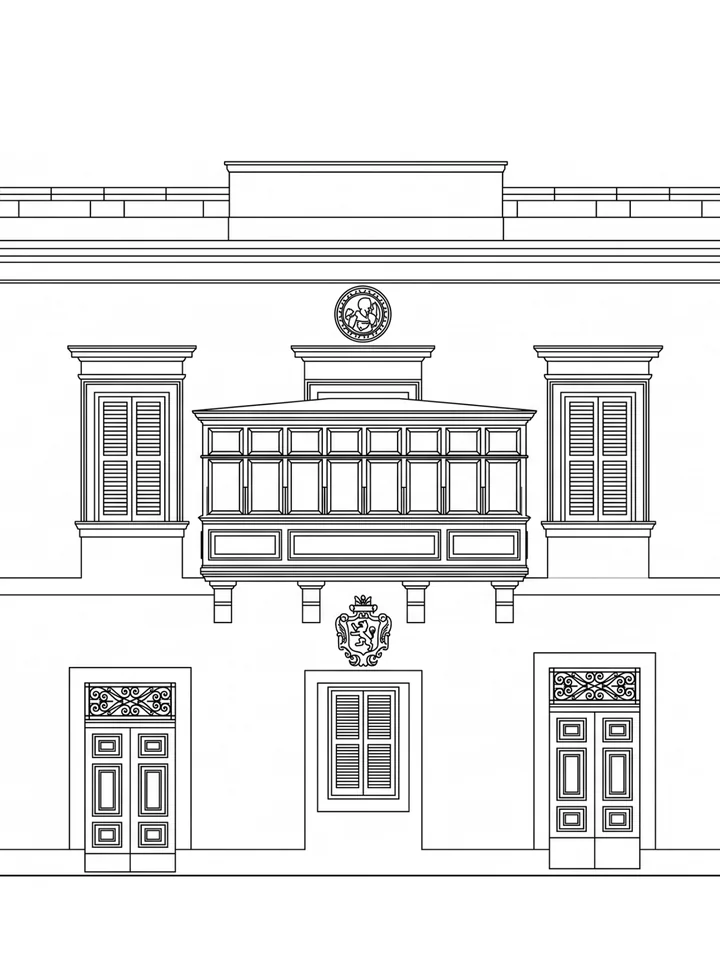
  • Hallwyl Palace, Stockholm, Sweden, facade photograph drawn by facadetoolHallwyl Palace, Stockholm, Sweden (elevation mode)
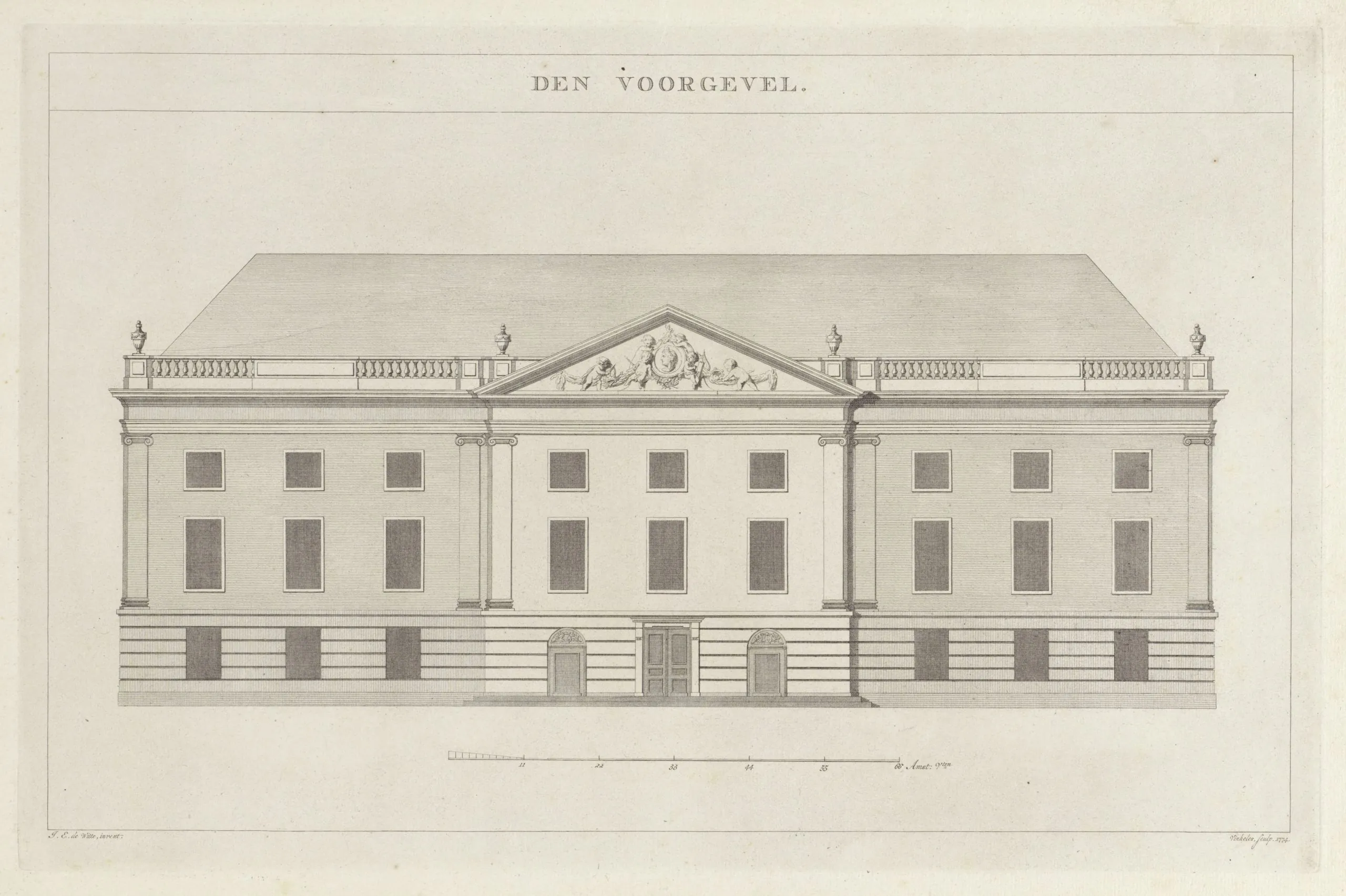
  • City Theatre, Amsterdam, facade photograph drawn by facadetoolCity Theatre, Amsterdam (sketch mode)
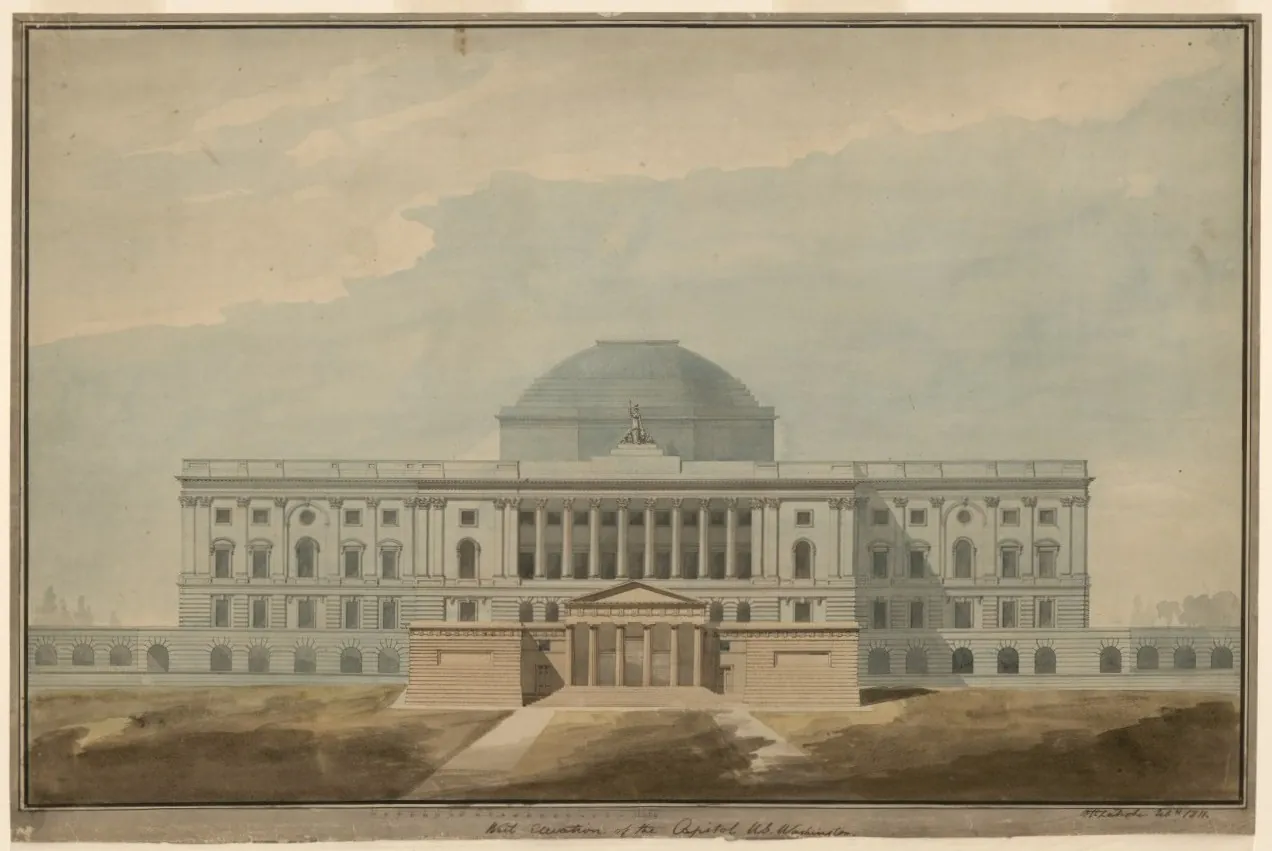
  • US Capitol, Washington, facade photograph drawn by facadetoolUS Capitol, Washington (sketch mode)
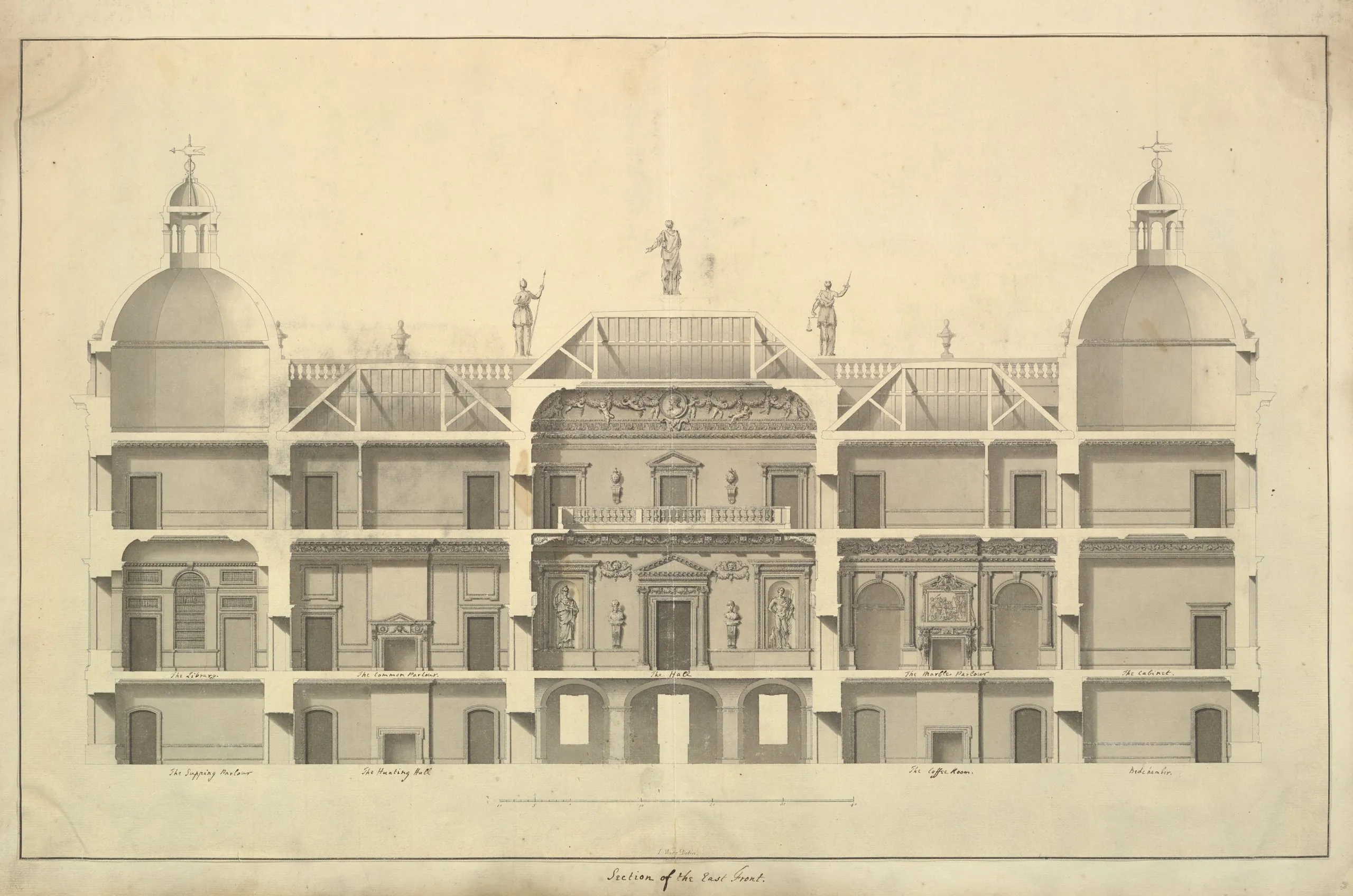
  • Houghton Hall, Norfolk, facade photograph drawn by facadetoolHoughton Hall, Norfolk (sketch mode)
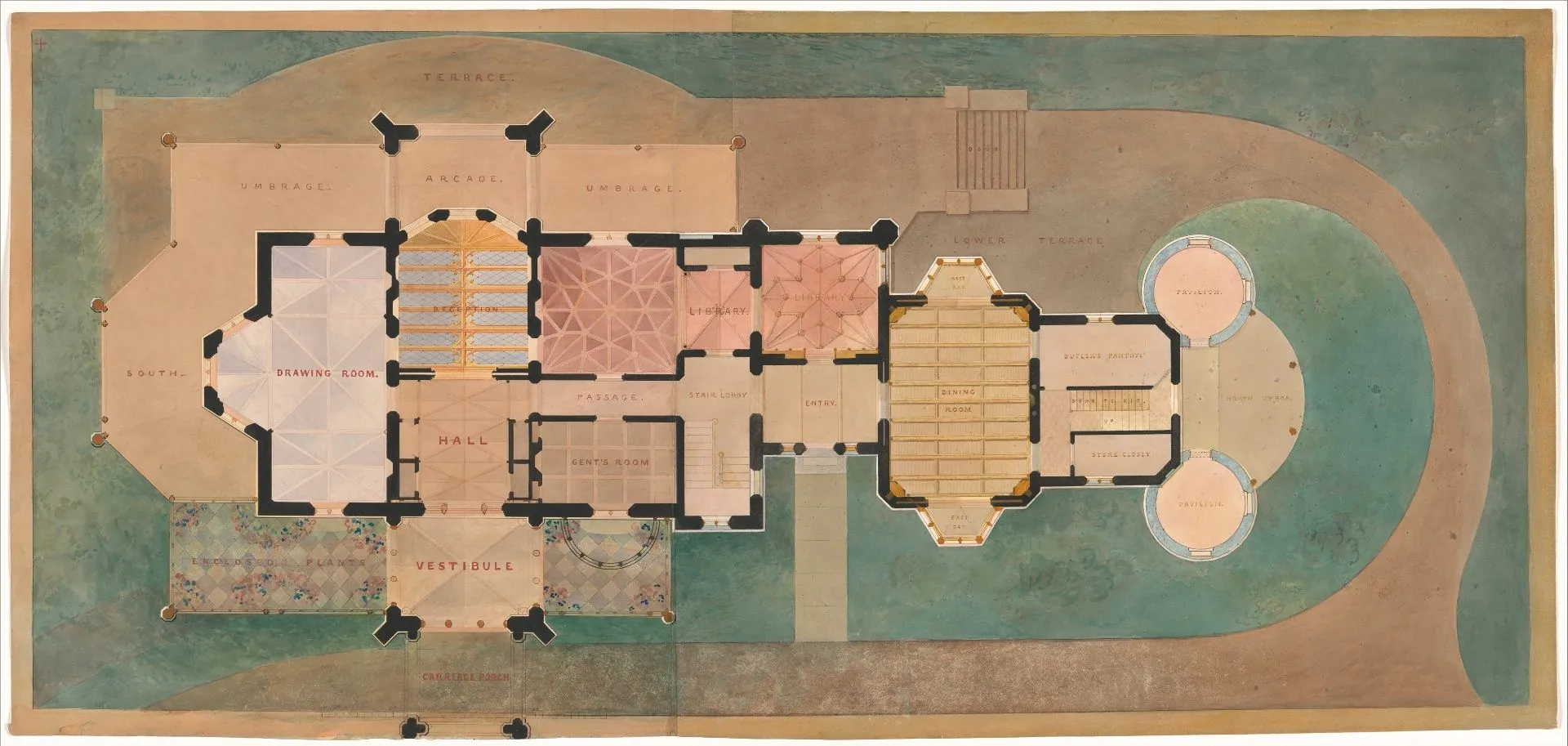
  • Lyndhurst, Tarrytown, facade photograph drawn by facadetoolLyndhurst, Tarrytown (sketch mode)

conversion modes

4 ways to draw

Choose the mode that fits your photograph. Every mode gives you a .dxf and a .png.

focus

1 credit per image

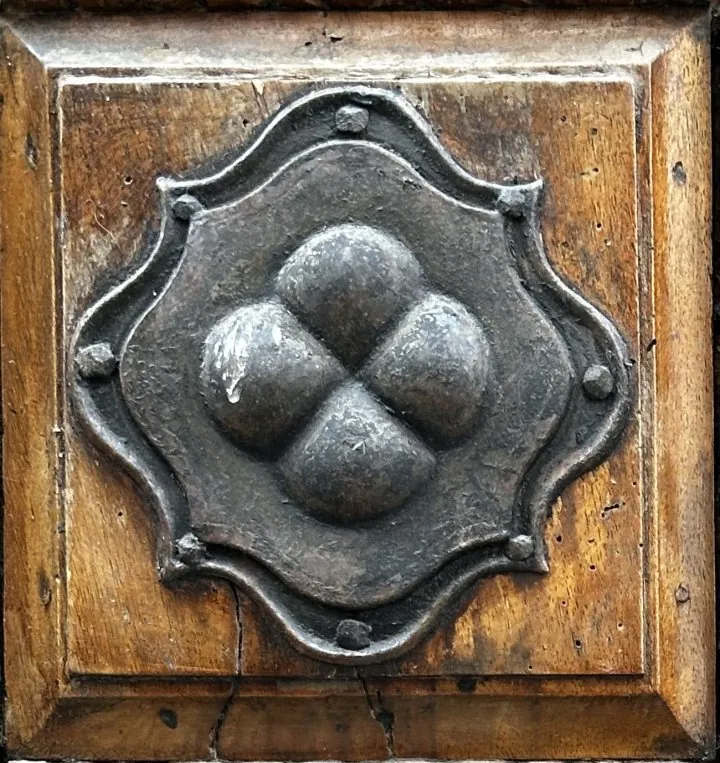
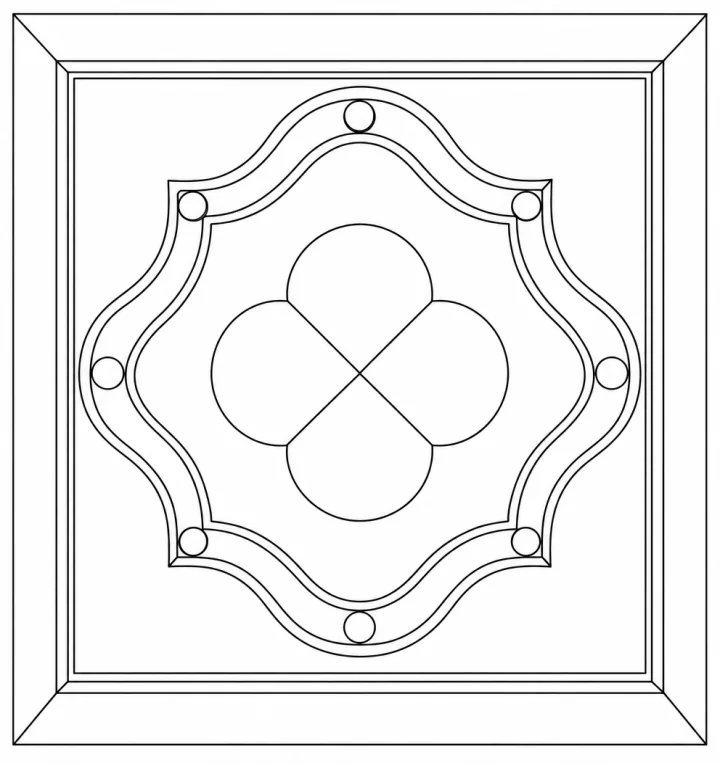
  • one door, window or detail
  • tiles, ornaments and simple geometry
  • clean lines with fewer stray marks
Ornament: photograph for the focus modeOrnament: the focus drawing made by facadetool

focus example .dxf

heritage

3 credits per image

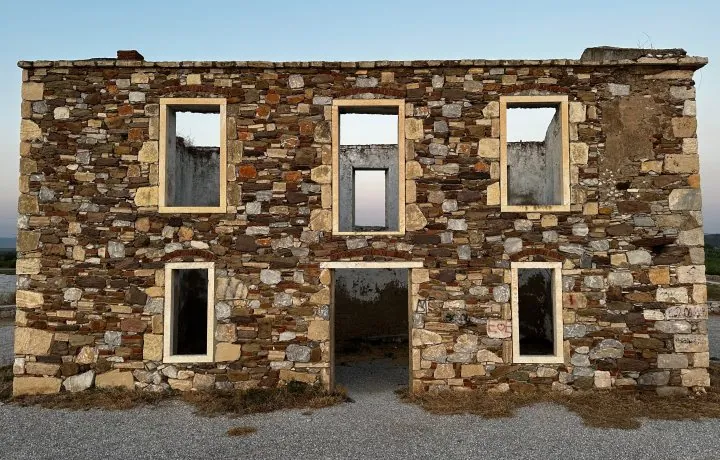
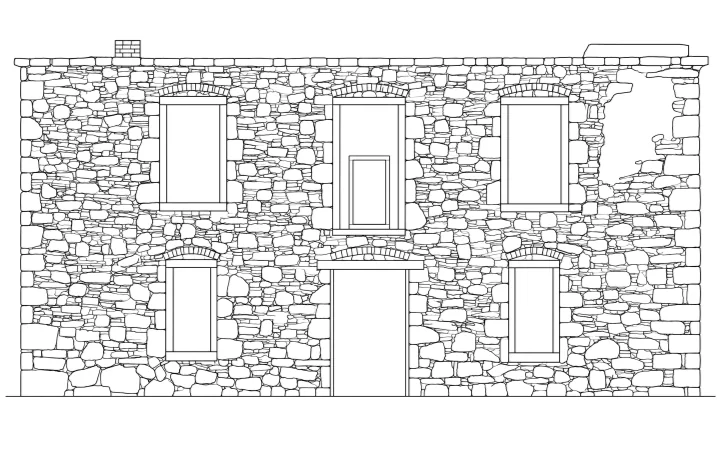
  • stone walls, ruins and irregular masonry
  • every stone, crack and broken edge stays in the drawing
  • works best with the wall already cropped
Bodrum: photograph for the heritage modeBodrum: the heritage drawing made by facadetool

heritage example .dxf

elevation

3 credits per image

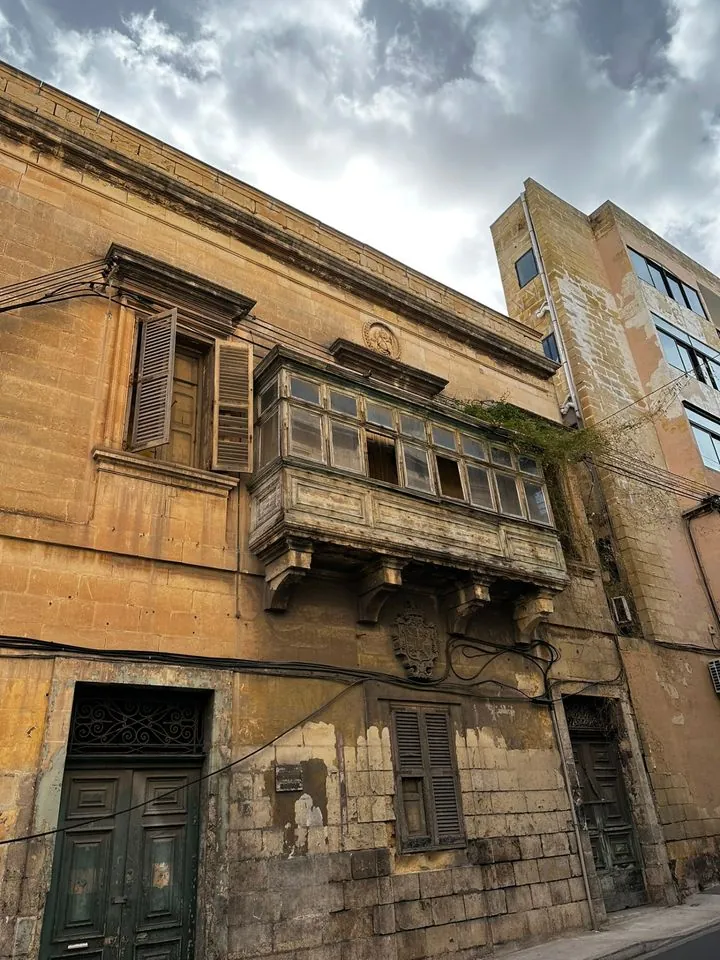
  • any facade photograph, the whole building
  • the most detail, for full elevations
  • works best taken straight on, with a wide lens
Full facade: photograph for the elevation modeFull facade: the elevation drawing made by facadetool

elevation example .dxf

sketch

3 credits per image

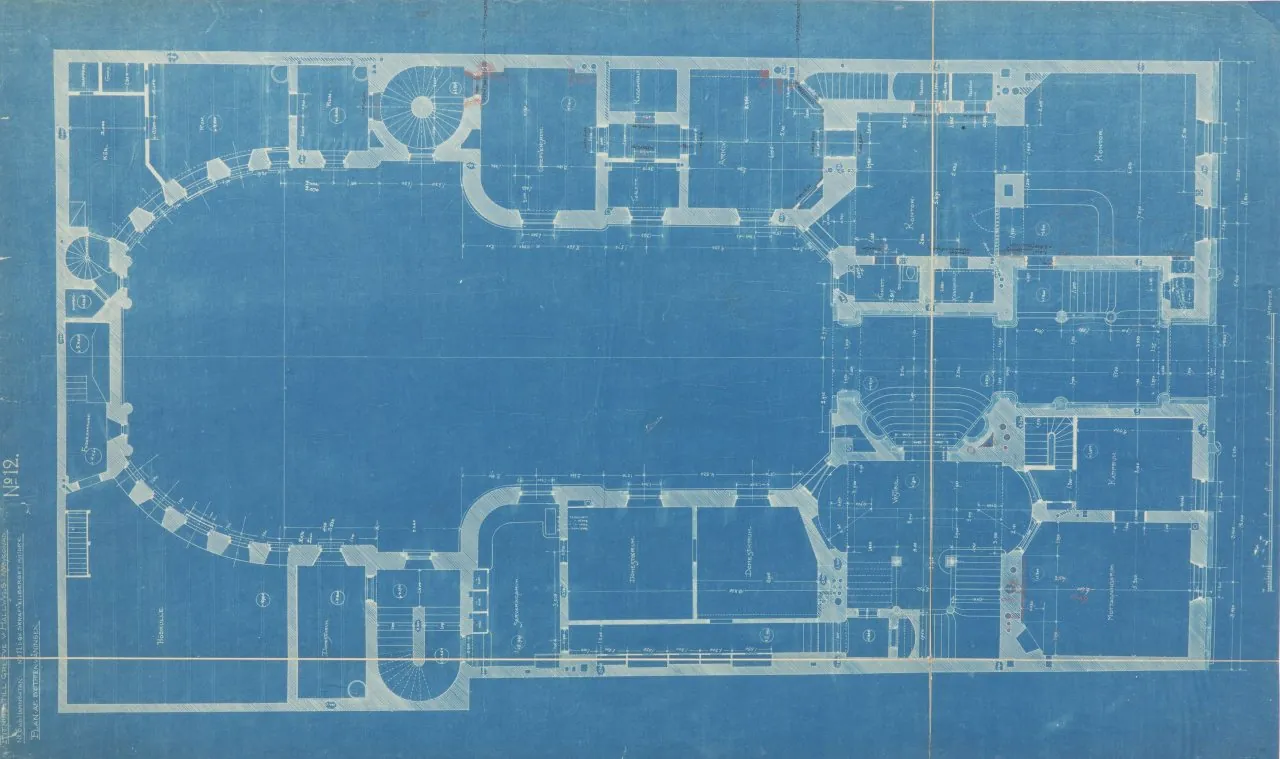
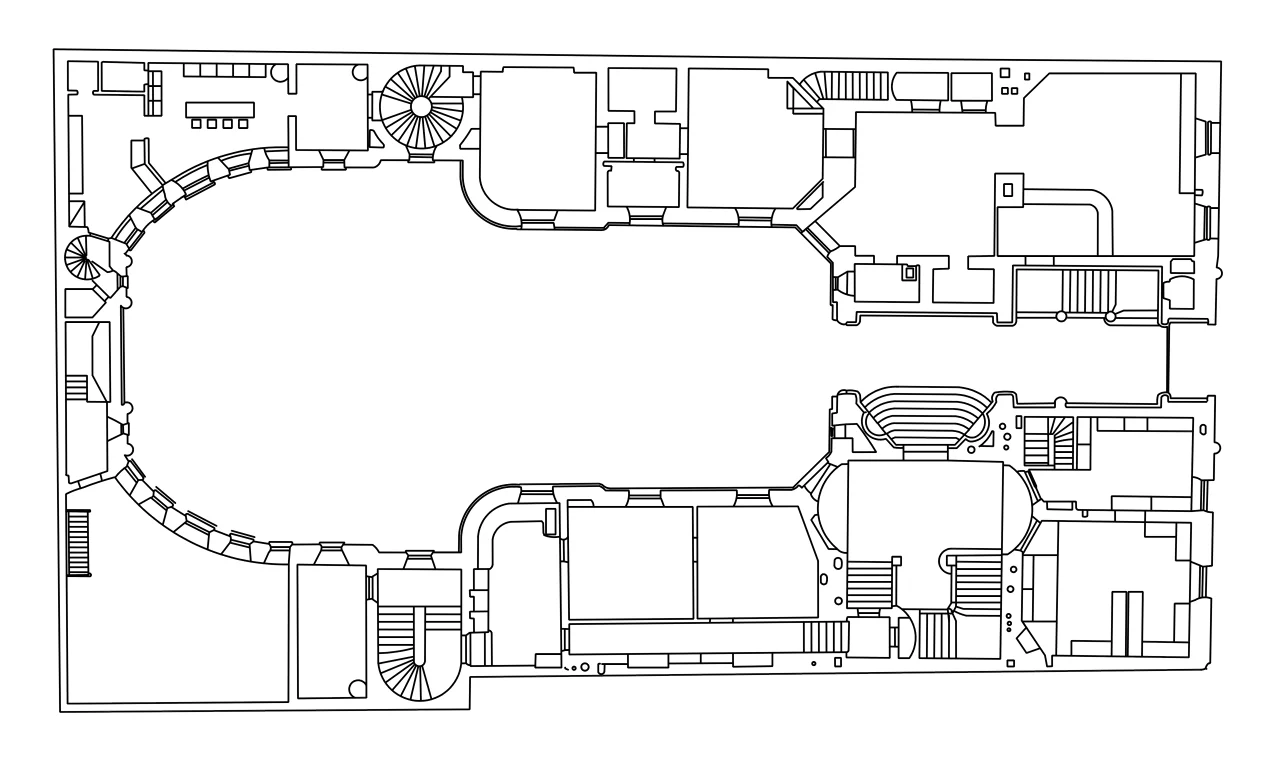
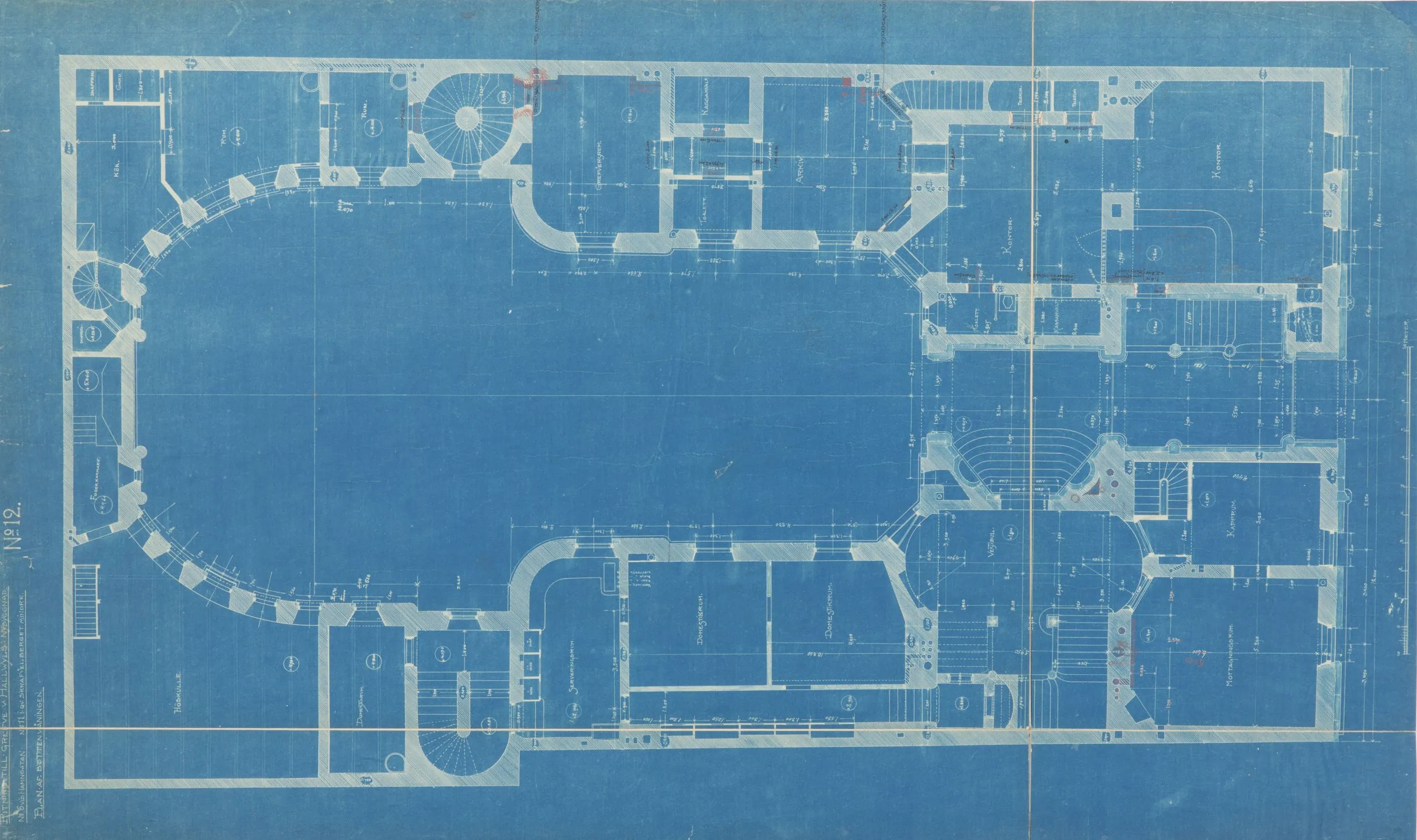
  • drawings that are already orthographic: plans, sections, details
  • works best with scans
  • no perspective correction: the drawing keeps the input exactly
Hallwyl Palace: photograph for the sketch modeHallwyl Palace: the sketch drawing made by facadetool

sketch example .dxf

Examples are real outputs. Results vary by photo quality.

how it works

From photograph to .dxf in three steps.

  1. 1

    upload

    A clear photo of your facade, as .jpg or .png.

  2. 2

    process

    facadetool reads the photograph and draws it again in clean vector lines.

  3. DXFplan.dxfPNGplan.png
    3

    download

    The .dxf and the .png, ready for any CAD program.